

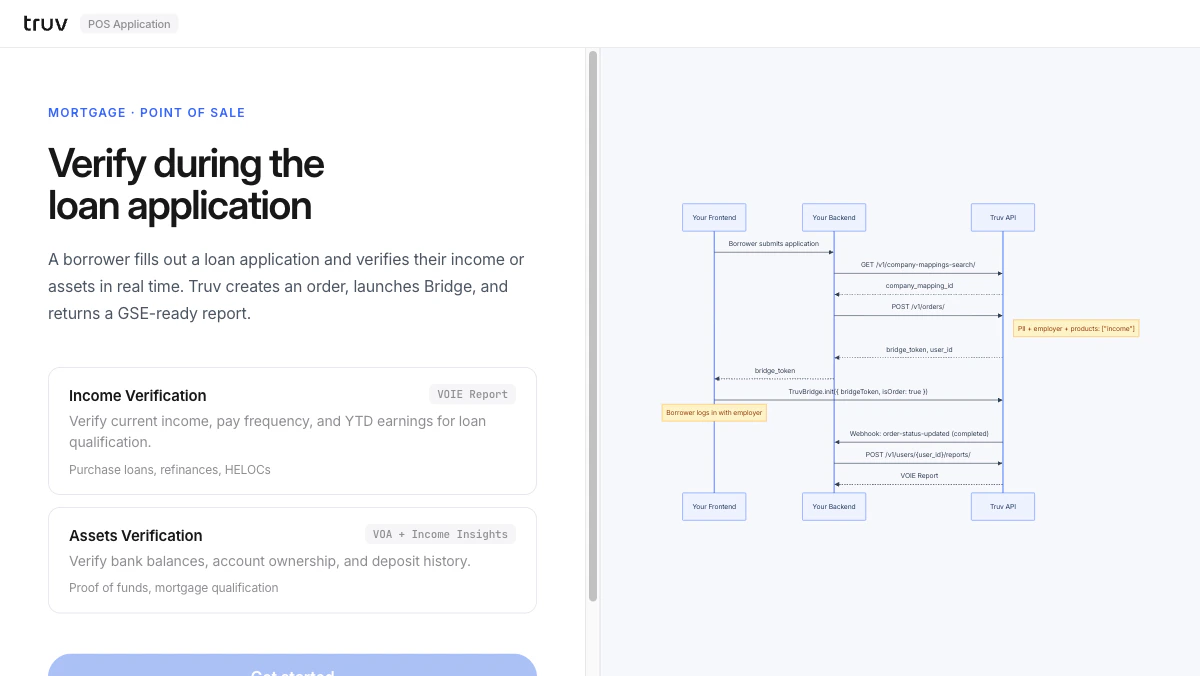
Flow
1
Collect applicant info
Enter applicant PII. The app searches for the employer and creates an Order.
2
Bridge verification
Truv Bridge opens inline. The borrower selects their employer and logs in.Sandbox credentials:
goodlogin / goodpassword3
Receive webhook and fetch report
order-status-updated fires on completion. Fetch the structured report.