

Setup
Prerequisites
- Docker and Docker Compose
- A Truv sandbox account
- API credentials from the Truv Dashboard API Keys page
Clone and configure
.env and add your credentials from the Dashboard API Keys page:
Set
IS_ORDER=true to use the Orders API instead of the Users API. The Orders API lets you pre-configure employer and account information.Environments
All environments use the same base URL:https://prod.truv.com/v1/. Your credentials determine which environment you’re using.
Languages and repos
Server-side quickstarts
Webhooks with ngrok
To receive webhooks locally, start ngrok in a separate terminal:.env:
Run
Pick your language and run with Docker:To run all languages simultaneously:
docker-compose up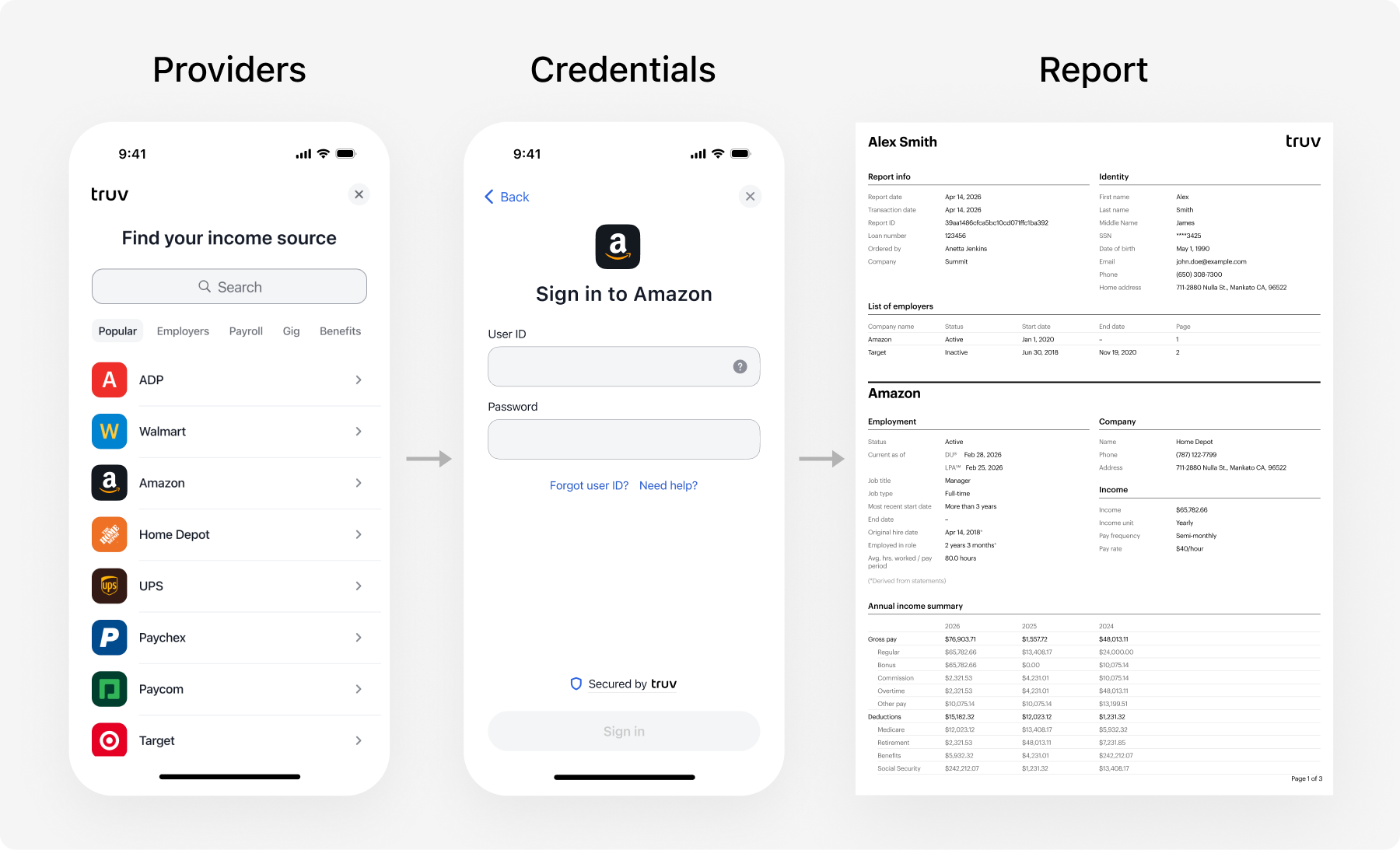
Sandbox data
Usegoodlogin / goodpassword to test a standard login flow, or goodlogin / mfa (MFA code: 12345) to test the MFA flow.
See Test Credentials for all scenarios including error states, pay frequencies, and financial accounts.